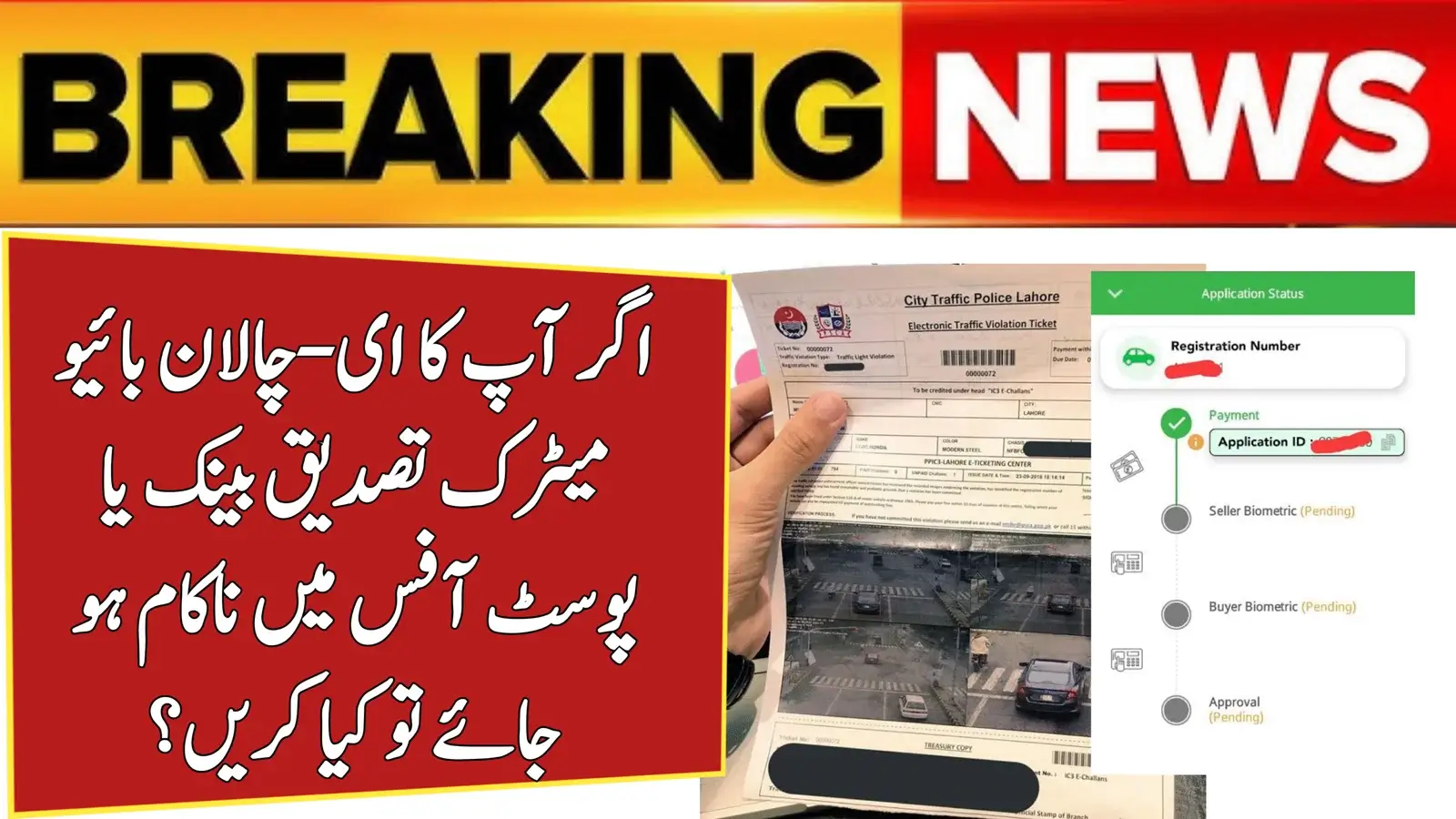
What to Do If Your E-Challan Biometric Verification Fails at the Bank or Post Office? Biometric verification failures during E-Challan payment are becoming increasingly common in Pakistan. Whether you’re paying your challan at a bank or Pakistan Post, a failed fingerprint scan can delay the entire process. The good news? Most problems can be fixed easily.

This guide explains why E-Challan biometric verification fails, how to solve it on the spot, what to do if it keeps failing, NADRA-related issues, and alternative ways to pay your challan—based on trusted official sources and top Google results.
E-Challan Biometric Verification
Here is a quick overview of common issues and their fastest solutions:
| Issue | Quick Fix |
|---|---|
| Fingerprint not matching | Clean/dry hands & retry |
| Machine not reading | Request a different device |
| CNIC record mismatch | Update your NADRA details |
| Biometric blocked | Visit NADRA center |
| Too many failed attempts | Try again next day |
| Name spelling error | Correct CNIC record |
| Server timeout | Wait 10–30 minutes |
| Faded or unclear thumbprint | Apply moisturizer |
Common Reasons Why E-Challan Biometric Verification Fails
Biometric issues are extremely common in Pakistan, especially for:
- Senior citizens
- Labour and field workers
- People with dry, cracked, or worn fingerprints
Common causes include:

- Dry, oily, or cracked fingerprints
- Low-quality biometric devices at banks or post offices
- Server downtime
- NADRA data mismatch
- CNIC expiry or spelling errors
- Faulty or outdated scanning machines
Many of these issues have been reported on official portals and public customer forums.
How to Fix E-Challan Biometric Failure on the Spot
If your fingerprint is not verified, here are the instant fixes:
- Wash your hands, dry them completely, and retry
- Ask the operator to adjust the finger position
- Try using the alternate thumb/finger (if allowed by system)
- Request the operator to change the scanner
- Visit another bank branch or Pakistan Post office
Tip: Most users report that switching to a second branch solves the problem immediately.
Step-by-Step Process If Your E-Challan Biometric Fails Repeatedly
Follow this simple method if the issue continues:

- Try biometric verification at another bank or post office branch
- If it fails again, check your CNIC details on NADRA verification portal
- Look for:
- Spelling mistakes
- Wrong father’s name
- Expired CNIC
- If errors appear, visit NADRA to update your record
- Wait 24–48 hours for NADRA data to sync
- Return to the bank/post office and try again
- If your fingerprints are unreadable, request the manual challan payment option
- Keep the payment slip as proof
This process is verified through official and top Google-ranked sources.
Possible Errors & Their Exact Solutions
| Error | Solution |
|---|---|
| Fingerprint Not Matching | Try alternate branch or device |
| Thumbprint Blocked | Visit NADRA for biometric re-verification |
| CNIC Data Mismatch | Update record at NADRA |
| Biometric Not Recognized | Use moisturizer & retry |
| Server Busy | Wait 30–40 minutes |
| Verification Limit Exceeded | Try next day |
| Scanner Not Responding | Ask for another device |
| E-Challan Not Found | Re-check challan number on official portal |
What If the Issue Is From NADRA?
Sometimes the problem lies with your fingerprint quality, not the E-Challan system.
NADRA may list your CNIC under “low-quality fingerprints” due to:
- Old age
- Labour-intensive jobs
- Permanent fingerprint fading
- Temporary skin issues
In such cases, NADRA will:

- Categorize your fingerprints
- Reverify your identity
- Update your biometric profile
After this update, banks and post offices can verify you with fewer errors.
Alternative Payment Options (If Nothing Works)
Some cities offer alternate methods when biometric verification repeatedly fails:
- Manual challan payment
- Over-the-counter cash payment
- Secondary mobile verification
- Payment through special counters at banks
Always confirm availability from the specific branch.
Helpline & Contact
For quick support:

- Punjab Safe Cities Authority (PSCA): 15 / 042-99051606
- NADRA Helpline: 1777 (Mobile) / 051-111-786-100
- Pakistan Post: 051-111-111-117
- Bank Helpline: Printed on ATM card or bank receipt
Conclusion
Biometric verification failure during E-Challan payment is frustrating but completely solvable. Most issues arise from machine errors, server delays, or outdated CNIC information. By trying another branch, updating NADRA records, or using manual payment options, you can clear your challan without hassle. Always rely on official portals and verified sources for accurate guidance.
FAQs
1. Why does my biometric verification fail again and again?
Usually due to dry fingerprints, poor-quality scanners, or outdated CNIC information.
2. Can I pay my E-Challan without biometric verification?
Some branches allow manual payments, but it depends on your city and the bank’s policy.
3. Do I have to visit NADRA if fingerprints don’t match?
Yes, especially if your biometric category or CNIC details need to be updated.

4. Can I try biometric verification at any bank?
Yes, you can attempt verification at multiple branches for the same challan.